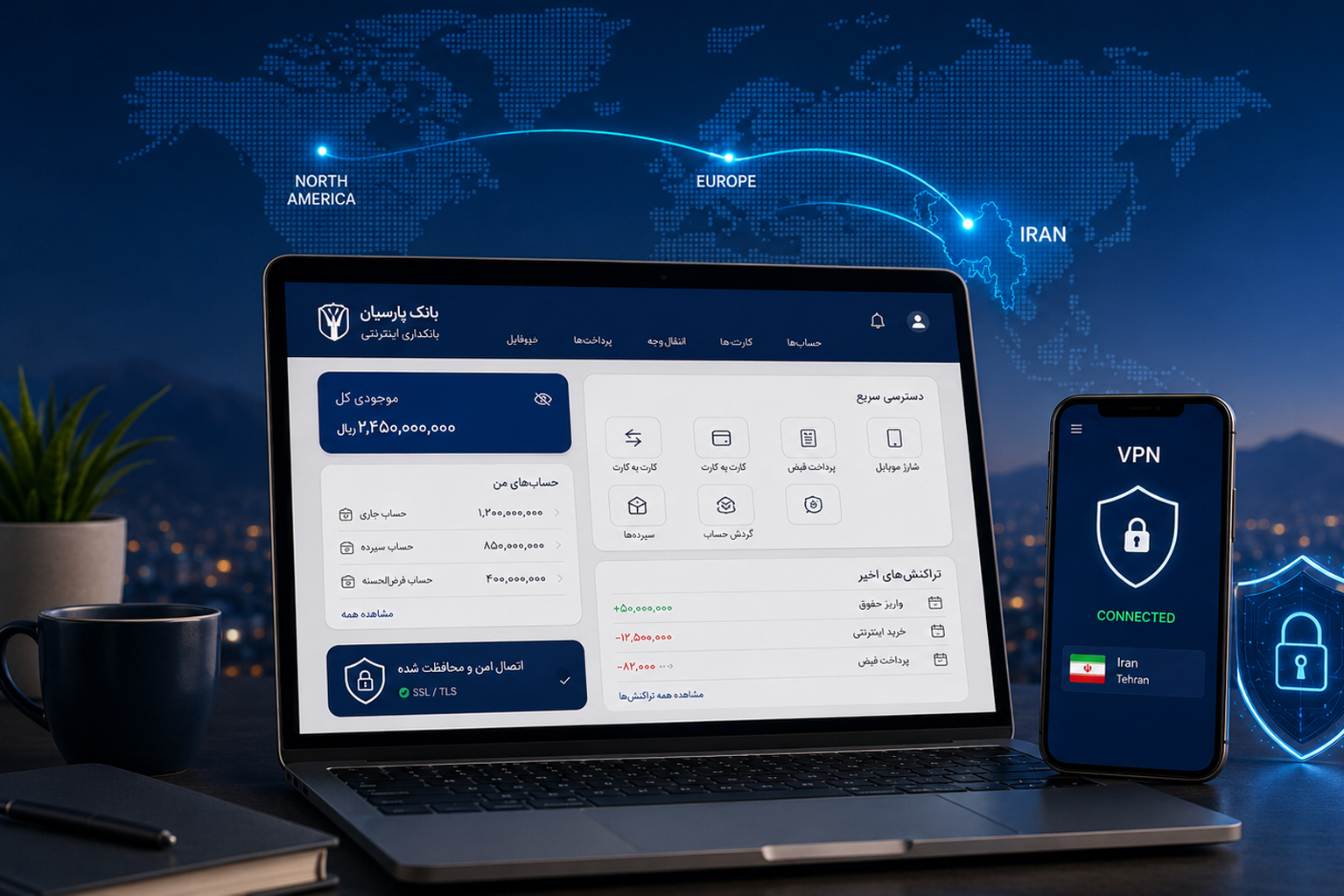
Iranians living or travelling outside Iran may experience difficulties when accessing Iranian online banking, mobile banking applications, and other financial services.
Some users may see an access restriction, an application may fail to open, or the banking platform may reject a connection made through a foreign IP address.
One common solution is to use an Iran VPN and connect to an Iranian IP address. The VPN routes the user’s internet traffic through a server located in Iran, allowing supported banking platforms to see an Iran IP instead of the IP address assigned in the user’s current country.
This guide explains why some Iranian banking services are restricted abroad, how to connect through OpenVPN, and which security precautions users should follow.
Why Are Some Iranian Banking Services Restricted Abroad?
Banks and financial platforms use various security controls to protect customer accounts. One of these controls may involve checking the approximate location of a user through their IP address.
When a user connects from the United States, Canada, Turkey, Germany, France, or another country, the banking platform may detect a foreign IP address.
This may result in:
- The online banking page failing to open
- An access restriction message
- A mobile banking application stopping during sign-in
- Certain features becoming unavailable
- Additional identity verification
- A login being blocked because of an unusual location
- A connection error with the bank’s server
Restrictions are not identical across all banks. They may change according to the bank’s security policies, application version, account status, and the user’s location.
How Can an Iranian IP Address Help?
An IP address allows an online platform to estimate the network and country from which a user is connecting.
When you connect to an Iran VPN server, the banking website or application sees an Iranian IP address.
The connection process works as follows:
- Your device connects to the internet.
- OpenVPN creates a secure connection to an IRConnect server.
- Your internet traffic passes through the Iran server.
- The banking platform sees an Iranian IP address.
- You may access the supported service after meeting the bank’s other requirements.
An Iranian IP is only one access requirement and cannot guarantee successful use of every banking service.
What Do You Need to Use Iranian Online Banking Abroad?
Depending on the bank, users may need:
- An active online banking or mobile banking account
- Banking username and password
- Access to the mobile number registered with the bank
- The ability to receive verification messages
- A one-time password
- The latest version of the banking application
- A stable internet connection
- An Iran VPN and Iranian IP address
- Completed banking identity verification
- Active remote banking services
IRConnect only provides the Iran VPN connection. It does not request users’ banking passwords, banking usernames, or verification codes.
How to Connect to Iranian Online Banking with an Iran VPN
Step 1: Check That Your Banking Service Is Active
Before connecting, confirm that your online or mobile banking service has already been activated.
Check that:
- Your banking username and password are correct.
- You can access the mobile number registered with the bank.
- One-time passwords are enabled.
- The banking application is updated.
- Your account and remote banking services are not suspended.
Step 2: Choose an Iran VPN Plan
Select an Iran VPN plan according to the required subscription period and number of devices.
Before purchasing, review:
- Subscription duration
- Permitted number of devices
- Simultaneous connection limits
- Supported operating systems
- Refund conditions
- Identity verification requirements
- Delivery of the configuration file
- Availability of customer support
Step 3: Get Your VPN Connection Details
After purchasing a plan and completing any required steps, the connection information becomes available in the IRConnect dashboard.
It may include:
- VPN service username
- VPN service password
- OpenVPN configuration file
- Setup guide
- Active subscription details
The IRConnect VPN username and password are different from your banking login details.
Do not share your IRConnect connection credentials with other people.
Step 4: Install OpenVPN
Install the appropriate OpenVPN application for your device.
Supported platforms may include:
- Windows
- macOS
- Android
- iPhone
- iPad
Download OpenVPN only from an official website or a trusted application store.
Step 5: Import the Configuration File
Open the OpenVPN application and import the configuration file received from your IRConnect dashboard.
Then:
- Add the IRConnect profile.
- Enter your VPN username.
- Enter your VPN password.
- Allow the application to create a VPN connection.
- Save the profile.
Step 6: Connect to an Iranian IP Address
Select the IRConnect profile and press the connect button.
When OpenVPN displays Connected, your device begins using an Iranian IP address.
You can then open the official banking website or application and try signing in again.
Connect the Iran VPN before opening the banking website or application.
Does an Iran VPN Work with Every Iranian Bank?
No VPN provider can guarantee permanent access to every bank, application, or banking feature.
IRConnect may be used with supported Iranian online and mobile banking services, which may include supported platforms from:
- Bank Mellat
- Bank Melli
- Bank Saderat
- Bank Tejarat
- Bank Sepah
- Other supported banks and financial institutions
Final access may depend on:
- The bank’s security policies
- Mobile application version
- VPN detection
- Registered mobile phone number
- Availability of one-time passwords
- Bank account status
- Security restrictions on the account
- Temporary banking platform outages
- Technical changes made by the bank
- Restriction of a particular IP address
The website should not promise guaranteed and uninterrupted access to every Iranian bank.
Accessing Bank Mellat from Abroad
Bank Mellat users may require an Iranian IP address to access some supported online banking services from abroad.
To use the service:
- Connect to the Iran VPN.
- Completely close and reopen the browser.
- Visit only the official Bank Mellat website.
- Enter banking information directly on the official platform.
- Enter one-time passwords only on the bank’s official website.
Final access may also depend on Bank Mellat’s security policies and the status of the user’s account.
Accessing Bank Melli and Baam from Abroad
An Iranian IP address may be required to access supported Bank Melli or Baam services outside Iran.
Before signing in:
- Connect to the Iran VPN.
- Update the application.
- Completely close and reopen the application after connecting.
- Keep access to the mobile number registered with the bank.
- Avoid entering information through unknown links or pages.
Accessing Bank Saderat from Abroad
Bank Saderat online or mobile banking may behave differently depending on the application version, security settings, and user location.
An Iranian IP may help with access. However, restrictions may remain if the application detects VPN usage or the banking platform is unavailable.
Accessing Bank Tejarat and Bank Sepah from Abroad
Bank Tejarat and Bank Sepah users may also require an Iran IP for certain supported banking platforms.
After connecting, use only the official banking website or application. Never send banking passwords, card information, or verification codes to IRConnect support.
Why Does Online Banking Still Fail After Connecting?
A banking service may remain unavailable even when the VPN connection is active.
Possible reasons include:
- A temporary banking outage
- Banking system maintenance
- An outdated mobile application
- VPN detection by the application
- Cached information from the previous IP address
- Another VPN or proxy being active
- One-time password problems
- Lack of access to the registered mobile number
- A blocked banking account
- Incorrect device date and time
- Additional bank security restrictions
- A slow or unstable internet connection
- An expired IRConnect subscription
How to Troubleshoot the Connection
Check OpenVPN Status
Confirm that OpenVPN displays Connected.
Test Your Internet Connection
Disconnect the VPN and confirm that the device’s internet connection works normally.
Restart the Browser
Completely close the browser, connect to the VPN, and reopen the browser.
Use Private Browsing
Open the banking website in Incognito or Private mode so that previously stored cookies are not used.
Clear Cookies and Cache
Browser cookies and cached information may contain data from the previous connection.
Restart the Banking Application
Connect to the VPN first, force-close the banking application, and reopen it.
Disable Other VPN Services
Using multiple VPN, proxy, or DNS-changing tools may interfere with the connection.
Update the Application
Use the latest official version of the bank’s application.
Check Date and Time
The device date and time should be accurate and preferably set automatically.
Contact the Bank
Contact the bank’s official support when the problem concerns the account, banking password, verification message, or banking services.
Contact IRConnect
Contact IRConnect support when OpenVPN does not connect or the device does not receive an Iranian IP address.
Never submit confidential banking information.
Security Tips for Iranian Online Banking Abroad
To protect your banking account:
- Use only the bank’s official website.
- Verify the domain before entering information.
- Do not follow banking links sent by unknown people.
- Never share banking passwords.
- Never send one-time passwords to support.
- Do not send complete bank card details to IRConnect.
- Do not share OpenVPN credentials.
- Avoid unknown free VPN services for financial activities.
- Avoid public Wi-Fi for online banking.
- Install applications only from official sources.
- Keep your operating system updated.
- Sign out after finishing your banking activity.
- Enable transaction and login notifications.
- Contact the bank immediately if you notice suspicious activity.
Does IRConnect Collect Banking Information?
No. IRConnect does not require online banking usernames, banking passwords, one-time passwords, CVV codes, complete card numbers, or bank account details to provide the Iran VPN service.
Users must not submit this information through chat, email, support tickets, or messaging applications.
Support may only require technical information such as:
- Device type
- Operating system
- OpenVPN version
- Connection status
- Technical error message
- Name of the unavailable service
VPN Problem vs. Banking Problem
VPN-related problems may include:
- OpenVPN does not connect.
- Connected is not displayed.
- The VPN username or password is rejected.
- The configuration file cannot be imported.
- The device’s IP address does not change.
Contact IRConnect support in these situations.
Bank-related problems may include:
- The banking password is rejected.
- A one-time password is not received.
- The bank account is blocked.
- The application displays an identity verification error.
- A specific banking feature is unavailable.
- The bank’s platform is offline.
Contact the bank’s official support in these situations.
Is It Legal to Use an Iran VPN for Banking?
The legality of VPN usage depends on the laws of the user’s location, applicable regulations, and the bank’s terms.
Users must only access accounts that belong to them and use the service for lawful activities.
The following activities are prohibited:
- Accessing another person’s banking account
- Using another person’s identity
- Unauthorized withdrawals
- Phishing and fraud
- Reselling or transferring connection credentials
- Bypassing security controls for illegal activities
IRConnect may require identity verification for certain plans or financial use cases.
Who May Need an Iran VPN for Banking?
The service may be useful for:
- Iranians living abroad
- People temporarily travelling outside Iran
- Iranian students in other countries
- Owners of Iranian businesses
- Users managing payments or financial activities in Iran
- Users who require supported Iranian online or mobile banking
- People managing administrative or financial matters from abroad
Conclusion
An Iranian IP address may be required to access certain Iranian online and mobile banking services from abroad.
An Iran VPN routes the user’s connection through a server located in Iran, allowing supported banking platforms to see an Iranian IP address.
However, an Iran IP is only one requirement. Registered mobile numbers, one-time passwords, account status, bank security policies, and application functionality can also affect access.
IRConnect aims to provide a simple and stable Iranian IP connection but does not directly control banks or third-party financial platforms.
Frequently Asked Questions
How can I access Iranian online banking from abroad?
Connect to an Iran VPN to obtain an Iranian IP address, then open the bank’s official website or application and sign in with your own account details.
Does an Iran VPN work with every Iranian bank?
No. The service may work with supported banking platforms, but final access depends on bank security policies, application versions, identity verification, and account status.
Do I need an Iranian IP to access Bank Mellat from abroad?
An Iranian IP address may help users access supported Bank Mellat services from abroad. Final access also depends on the bank’s security requirements and account status.
Why does my banking application not open after connecting?
The application may detect VPN usage, be outdated, experience an outage, or retain information from the previous IP connection.
Should I send my banking information to IRConnect support?
No. Never send banking passwords, one-time passwords, complete card details, or verification codes to IRConnect support.